Updated October 19, 2026 | Ben Hastil
Does your resume need an update? Or are you creating a resume for the first time? Sometimes, all you need is your favorite word processor, enough time, and a great resume guide. Other times, a resume template can help you highlight your strengths, better organize your experiences, and make you stand out in a way that increases your chances of catching the hiring manager’s eye.
Below, we review three sites that provide excellent resume templates, one of which might even help you land your dream job!
ResumeCompanion
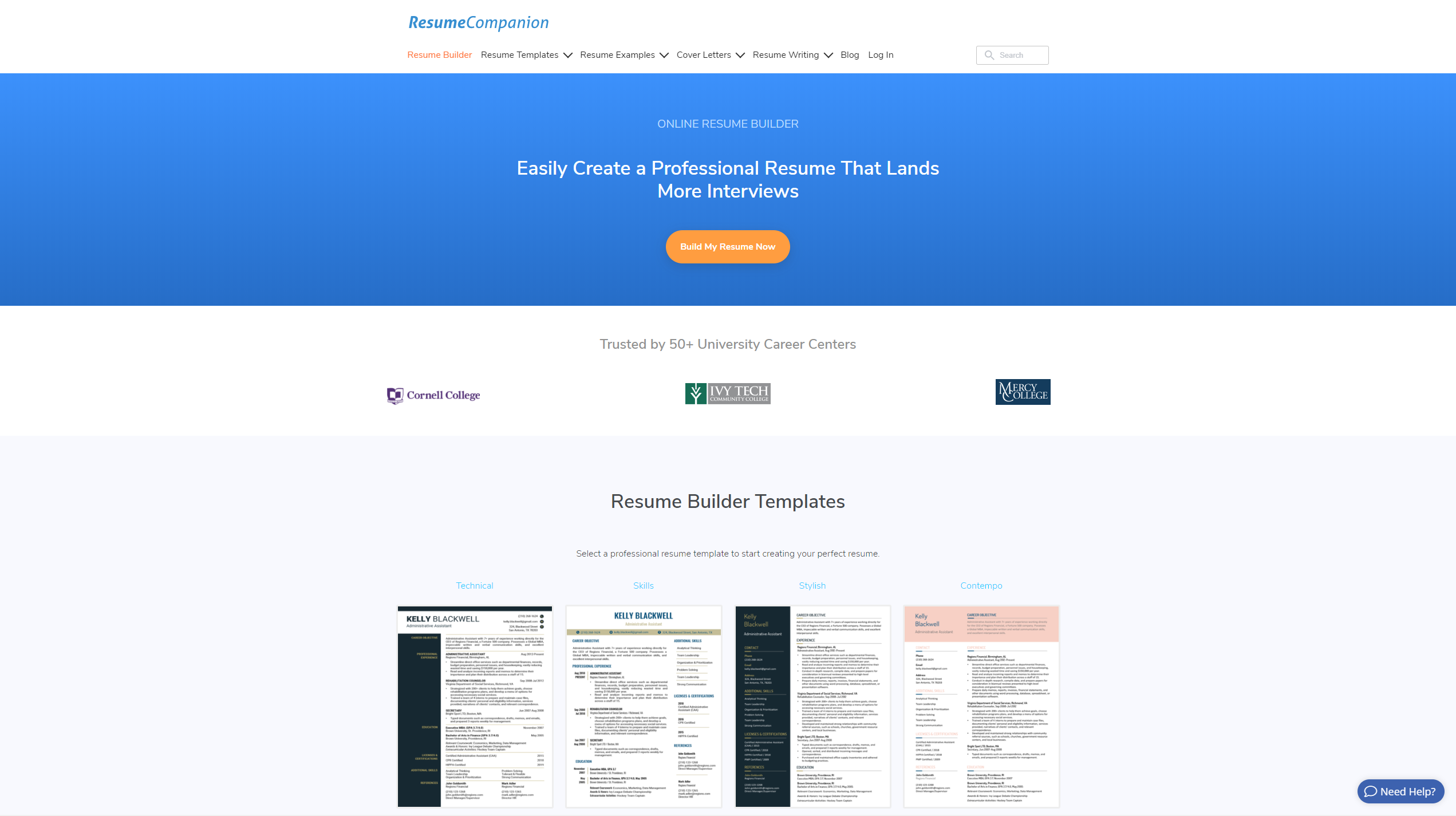
ResumeCompanion offers 37 free resume templates for download as Microsoft Word documents, divided into “Modern” templates, “Professional” templates, “Basic & Simple” templates, “Creative” templates, and “Career & Life Situation” templates.
Key features of their templates:
- They use text box-style elements to format their templates, so it’s easy to tweak the template (text, colors, sizes, layout, etc.) or even make more significant changes to it (with the caveat below) to fit your specific needs.
- Their templates only provide a one-page layout, but most can be modified to provide additional blank pages for resumes that are longer than one page.
- A couple functional resume templates are offered (see in their “Career & Life Situation” templates), in addition to the traditional chronological resume templates.
- A lot of their templates make use of blocks of solid colors for styling, which may bleed through when printed, and be better to avoid.
ResumeGenius
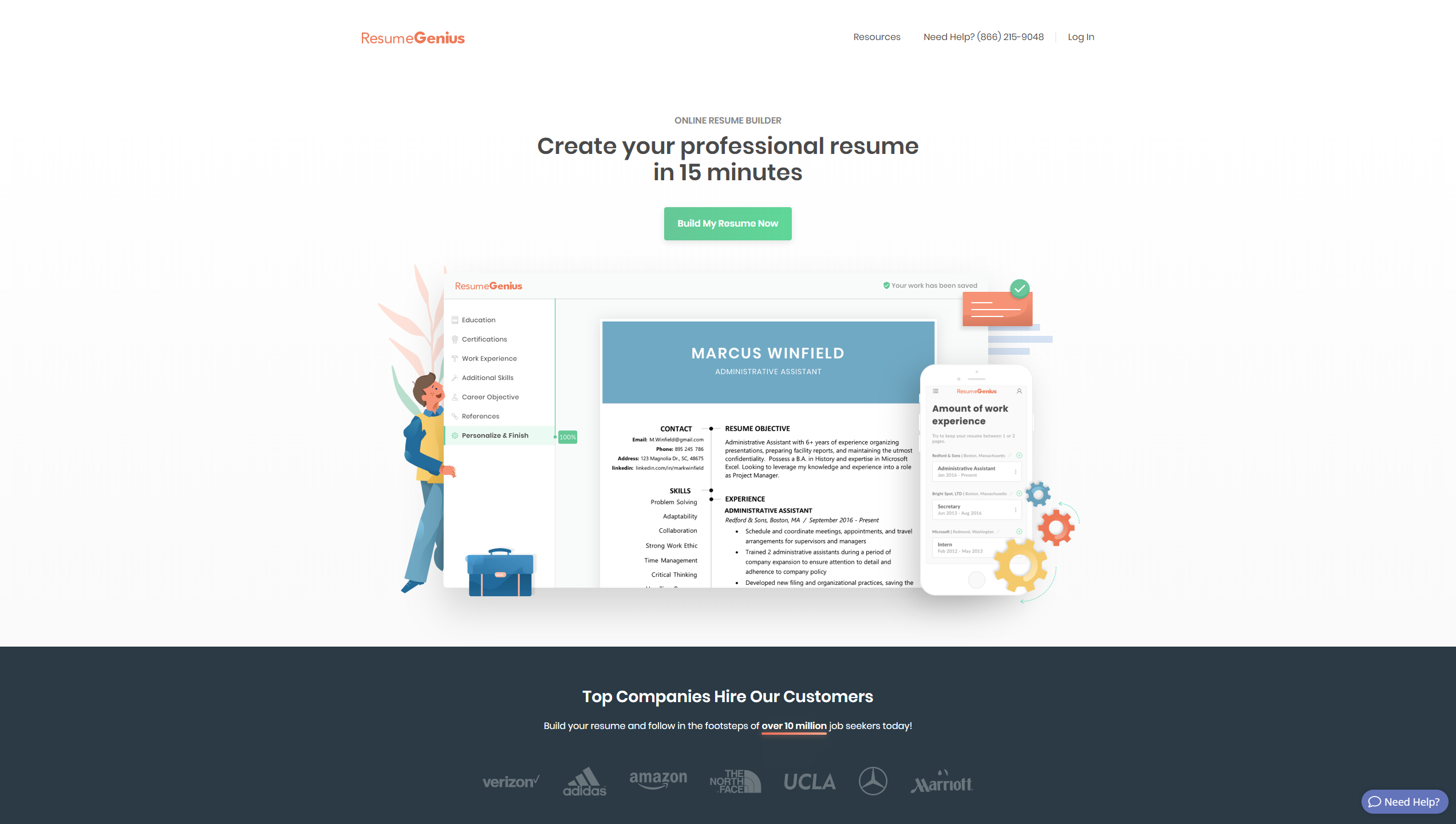
ResumeGenius offers 100+ free resume templates for download as Microsoft Word documents, divided into “Basic and Simple” templates, “Creative” templates, “Modern” templates, “Minimalist” templates, “Chronological” templates, “Functional” templates, “Combination” templates, and “Infographic” templates.
Key features:
- They use text box-style elements to format their templates, so it’s easy to tweak the template (text, colors, sizes, layout, etc.) or even make more significant changes to it (with the caveat below) to fit your specific needs.
- Most of their templates only provide a one-page layout and cannot be easily modified to provide additional blank pages to allow for resumes that are longer than one page in length.
- They offer a wide variety of resume layouts (with full page and column-style options).
- Several functional resume templates, combination resume templates, and even infographic resume templates are offered, in addition to the traditional chronological resume templates.
- Their templates require installing the fonts used in the resume template, or they won’t display correctly (the fonts are provided, along with installation instructions).
- Some of their templates include a place for a photo, but photos generally shouldn’t be included in a resume. As this article points out, it’s unnecessary and it can be used to discriminate.
ResumGO
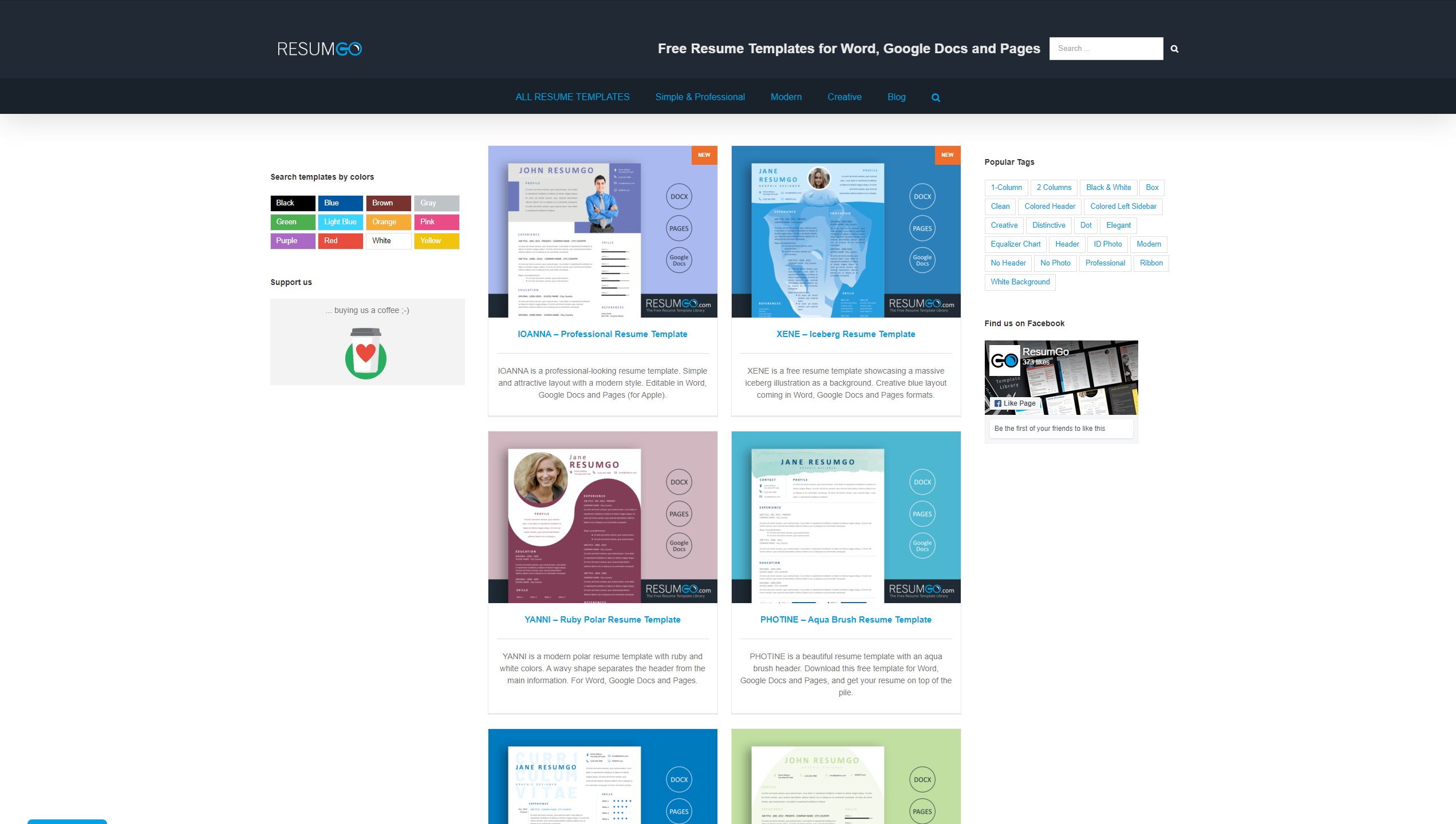
ResumGO offers 400+ free resume templates for download as Microsoft Word files or copyable to Google Docs divided into “Simple and Professional” templates, “Modern” templates, “Creative” templates, and “ATS-friendly” templates.
Key features:
- They use text box-style elements to format their templates, so it’s easy to tweak the template (text, colors, sizes, layout, etc.) or even make more significant changes to it (with the caveat below) to fit your specific needs.
- Their templates only provide a one-page layout and cannot be easily modified to provide additional blank pages to allow for resumes that are longer than one page in length.
- They offer a wide variety of resume layouts (with full page and column-style options).
- They offer Google Docs options for editing their resume templates, in addition to the standard Microsoft Word option.
- Some of their templates include a place for a photo, but photos generally shouldn’t be included in a resume. As this article points out, it’s unnecessary and it can be used to discriminate.
Summary
Each of the sites above offer great options for resume templates. If your resume will be more than one page in length, though, ResumeCompanion’s templates may be the easiest to work with to add additional pages after the resume template’s first page, or you may want to use one of the two page resume templates that ResumeGenius’ includes.
Have a question about the resume templates that we didn’t answer above, or had success with a specific resume template? Let us know! Know someone who would find these resume templates helpful? Share it with them via the options below!